Voplls 600 Projector: From WhaleOS Lockdown to a Full Media Hub

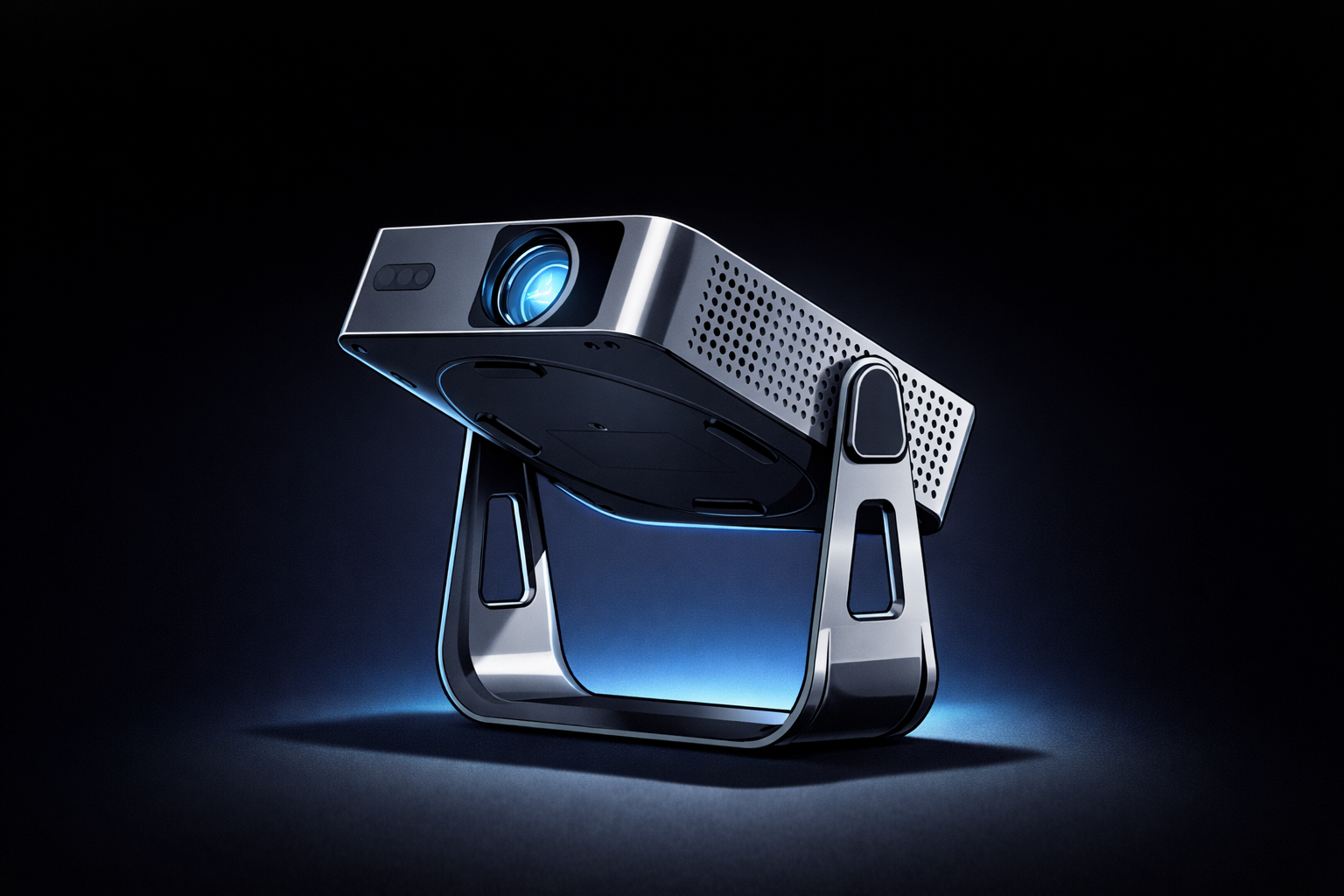
The Voplls 600 ANSI projector is a budget-friendly, portable powerhouse for renters, educators, or anyone avoiding TV wall mounts. Out of the box, it runs WhaleOS—a locked-down Android TV fork with a curated (but limited) app store. This guide walks you through unlocking its full potential: sideloading apps, setting up Stremio + Real-Debrid for ad-free streaming, and integrating it into a multi-device home media system.
Out of the Box: Specs and Limitations
- Specs: 1080p resolution, 600 ANSI lumens, HDMI/USB-A ports, WiFi.
- Default Software: WhaleOS (Android TV under the hood) with a restricted launcher and no Google Play Services.
- Limitations: No native access to Google Play Store, limited app selection, and a launcher that blocks system settings.
Breaking Free: Sideloading and ADB
Step 1: Enable Developer Tools
- Open the WhaleOS app store and install Developer Tools.
- Navigate to Developer Tools → System Settings → Developer Options → Settings.
- Enable Wireless ADB (note the IP address).
- On your Mac, install Android Platform Tools:
brew install android-platform-tools
- Connect via ADB:
adb connect <projector-ip>:5555
Install Projectivy Launcher
- Why? Replaces WhaleOS’s locked launcher with a fully customizable Android TV interface.
- How?
- Download the Projectivy Launcher APK to your Mac.
Set as Default:
adb -s <projector-ip>:5555 shell cmd package set-home-activity com.spocky.projengmenu/.ui.main.MainActivity
Install via ADB:
adb -s <projector-ip>:5555 install ~/Downloads/ProjectivyLauncher-<version>.apk
Globally Enable Unknown Sources
Run this ADB command to bypass WhaleOS’s restrictions:
adb -s <projector-ip>:5555 shell settings put global install_non_market_apps 1
Stremio + Real-Debrid: The Ultimate Media Combo
What is Stremio?
A media center app that acts as a "shell" for add-ons (like Torrentio) to stream movies, TV, and anime. Think of it as a Netflix-like interface for your own content sources.
What is Real-Debrid?
A premium debrid service ($5/month) that:
- Eliminates buffering by caching torrents on high-speed servers.
- Provides private, encrypted downloads (no VPN needed).
- Unlocks 4K/HDR streams without ISP throttling.
Setup Stremio on Your Projector (via ADB)
- Download the Stremio APK:
- Grab the Android TV version from stremio.com/downloads and save it to your Mac.
- Install via ADB:
adb -s <projector-ip>:5555 install ~/Downloads/Stremio-<version>-androidtv.apk
- Configure Torrentio + Real-Debrid:
- On your Mac or phone, go to the Torrentio Configuration Page.
- Paste your Real-Debrid API key (from real-debrid.com/apitoken).
- Set Sorting to "Quality then size" and exclude 4K (to avoid bandwidth hogs).
- Click Copy Link (if the "Install" button fails), then open Stremio on your projector, go to Add-ons (jigsaw icon), and paste the link into the search bar. Hit Install.
- Sync Across Devices:
- Log in to Stremio on all devices (iPad, Mac, projector). Your add-ons and watch history will sync automatically.
Free Streaming Options (2026)
Legal (Play Store)
| App | Best For | Why It’s Great |
|---|---|---|
| Tubi | Massive Library | MGM/Paramount movies, shorter ad breaks. |
| Pluto TV | Channel Surfing | 24/7 themed channels (Star Trek, News). |
| Plex | Personal Media | Stream your own files + free on-demand. |
| Freevee | "Premium" Free TV | Amazon’s ad-supported originals. |
Sideloaded (Reddit Favorites)
| APK | Best For | Notes |
|---|---|---|
| Stremio | All-in-One | Pair with Torrentio + Real-Debrid. |
| SmartTube | Ad-Free YouTube | 4K/HDR, SponsorBlock. |
| CloudStream | Scraped Streams | No account needed, customizable. |
| HDO Box | Netflix-like UI | Ad-supported unless using DNS blocker. |
Total Cost: ~$5/month (Real-Debrid) + one-time sideloading effort.
Result: A $100/month streaming setup for the price of a coffee.