Running a Pruned Bitcoin Node on Reused Hardware with Umbrel


Why I set this up
I didn’t set out to build a perfect Bitcoin setup, and I wasn’t chasing yield, mining rewards, or Lightning complexity. I mostly wanted to contribute something real to the network.
Running your own node is one of the few ways an individual can participate directly in Bitcoin’s trust model. You validate blocks yourself, enforce the rules locally, and stop relying entirely on third-party infrastructure. That felt worthwhile, even if the contribution is quiet and mostly invisible.
At the same time, I wasn’t interested in buying new hardware or committing to something high-maintenance. I already had a small mini PC sitting in a box doing nothing. That became the project.
The hardware: a mini PC gathering dust
The machine is an older mini PC that had been unused for about 18 months. Nothing exotic:
- Intel N5015 CPU
- 16 GB RAM
- 256 GB SSD
On paper, it’s modest. In practice, it’s more than enough for a pruned Bitcoin node. One of the themes of this setup is that you don’t need enterprise hardware or multi-terabyte storage to participate meaningfully.
Reusing existing hardware also felt like the right default. There was no good reason for this box to stay idle.
What Umbrel actually is
Umbrel is best thought of as an appliance-style operating system.
You don’t log into it like a normal Linux desktop. There’s no expectation that you’ll SSH in and customise the base system. Instead:
- Everything is managed via a web interface
- Apps run as containers
- Updates are opinionated and controlled
- The OS is deliberately locked down
That design choice won’t appeal to everyone, but for this use-case it was a feature, not a bug. I wanted something that would run quietly in the background without becoming another system to constantly tinker with.
What I installed (and why)
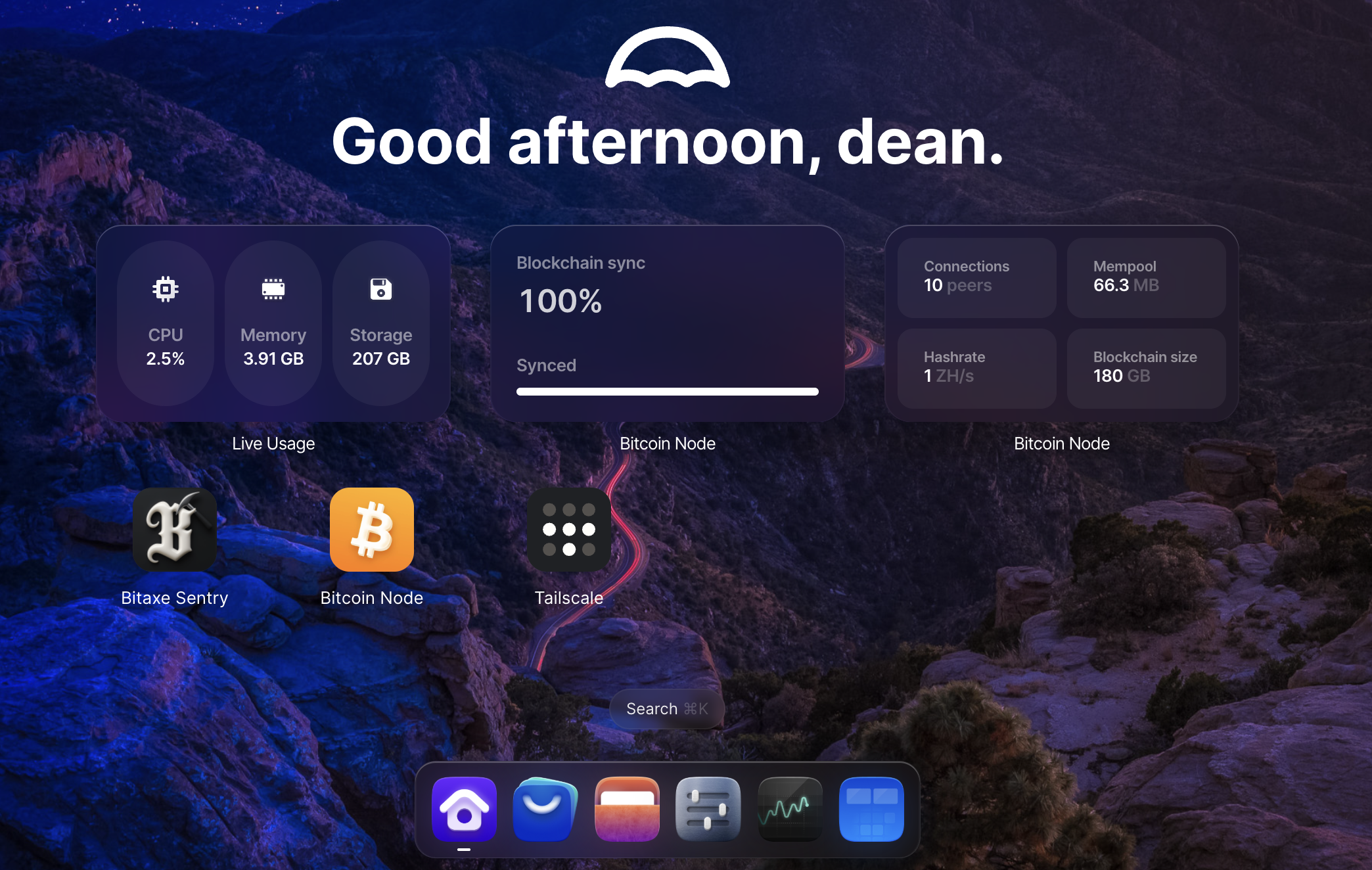
My main server does all the heavy lifting on the home network (Jellyfin, Audiobookshelf, arr stack, qbittorrent, and so forth. The core of this Umbrel setup is deliberately small:
Bitcoin Node (pruned)
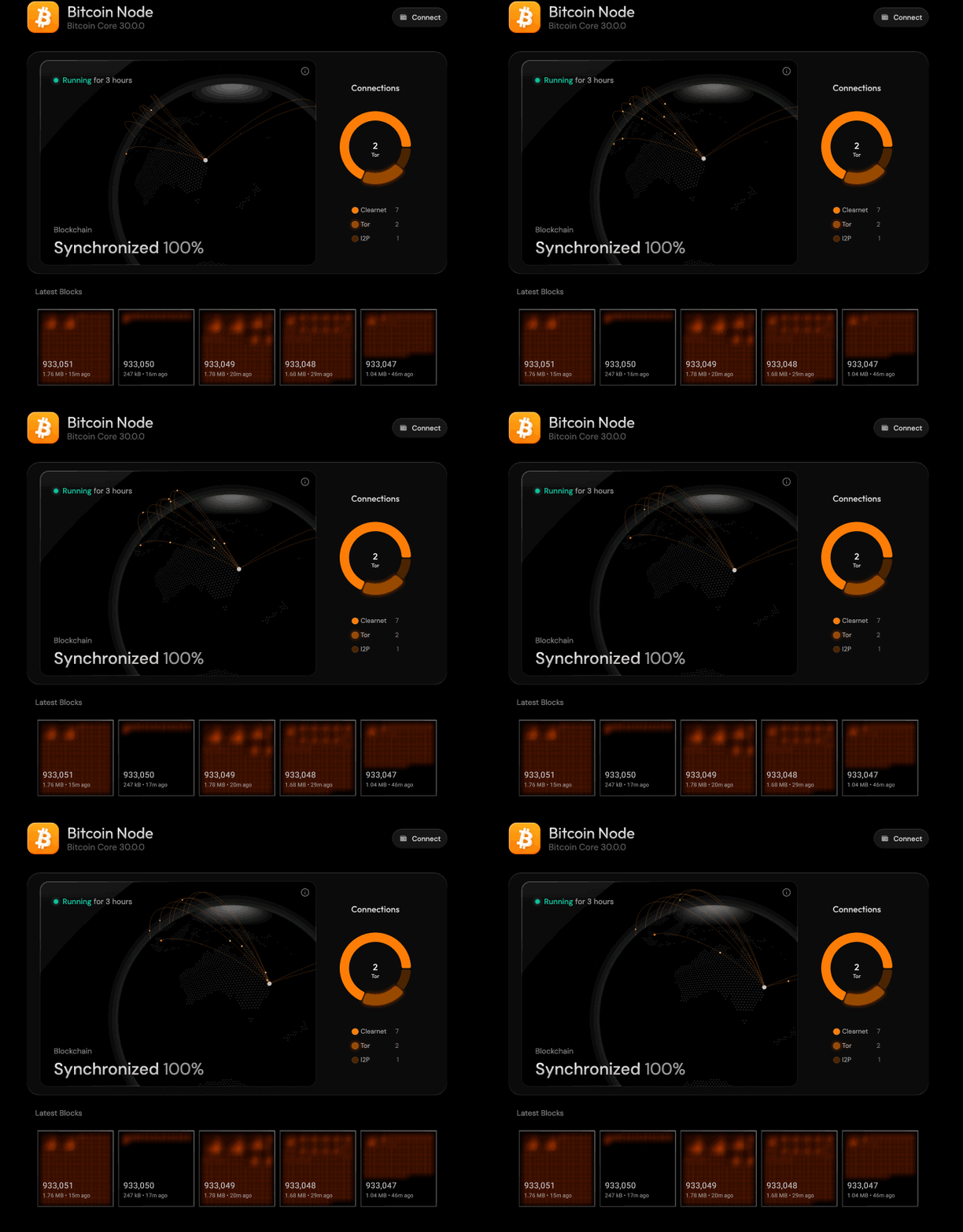
This is the main event. I configured Bitcoin Core to run in pruned mode, with a target of around 180 GB.
A pruned node:
- Fully validates every block
- Enforces consensus rules
- Participates in the peer-to-peer network
- Simply doesn’t retain the entire historical blockchain
It’s still a real node. The pruning only affects long-term storage, not validation or trust.
Bitaxe Sentry
Since I already run small Bitaxe miners, installing Bitaxe Sentry made sense. It gives visibility into miner status without turning this machine into a general-purpose server.
Tailscale
I wanted to be able to check in on the node from time to time when away from home. For that, I used Tailscale for simple, low-friction remote access.
The goal here wasn’t global exposure or public services, just the ability to view status and manage things remotely when needed.
What I deliberately didn’t install
Just as important as what went in is what didn’t.
I skipped:
- Lightning
- Full transaction indexing
- Large blockchain explorers
- Benchmarking suites that require full historical chains
All of those are valid projects, but they increase disk usage, complexity, and maintenance overhead. This node had a narrow purpose, and I stuck to it.
The sync experience (honestly)
The time from initial block download to took 100% synced took a little over 48 hours, which was exactly what I expected.
A couple of things stood out:
- Disk usage fluctuates wildly during sync on a pruned node. It will jump up, then suddenly drop as pruning deletes whole block files. This is normal.
- Progress slows dramatically near the tip of the chain. The last 20% feels like it takes as long as the first 80%.
I also discovered that the CPU was running far hotter than it should have been. The original thermal paste had dried out completely after sitting unused for so long. Under load, the CPU was hitting around 80 °C.
After cleaning the heatsink and applying fresh thermal paste, load temperatures dropped to around 55 °C. That alone likely shaved hours off the remaining sync time and made the system far more comfortable running continuously.
What happens once it’s synced
When the node reaches 100%, there’s no fanfare.
It simply transitions from initial sync to normal operation:
- New blocks arrive roughly every 10 minutes
- Each block is validated
- Old data is pruned automatically
- Disk usage stabilises around the prune target
CPU usage drops, I/O calms down, and the system becomes… boring.
That’s the point.
Why this still feels meaningful
This setup isn’t flashy. It doesn’t earn sats, route payments, or serve block explorers to the public.
What it does do is:
- Independently verify Bitcoin
- Enforce the rules locally
- Reduce reliance on third-party infrastructure
- Contribute another honest node to the network
All on hardware that was otherwise unused.
And at a negligible 8-10W power draw, that feels like a good trade.
Final thoughts
Running a pruned Bitcoin node on modest, reused hardware is a reminder that participation doesn’t have to be extreme to be real.
You don’t need terabytes of storage, constant optimisation, or a complex stack of services. A quiet box doing one thing well is often enough.
Once the novelty wears off, the best sign that it’s working is that you stop thinking about it at all.